
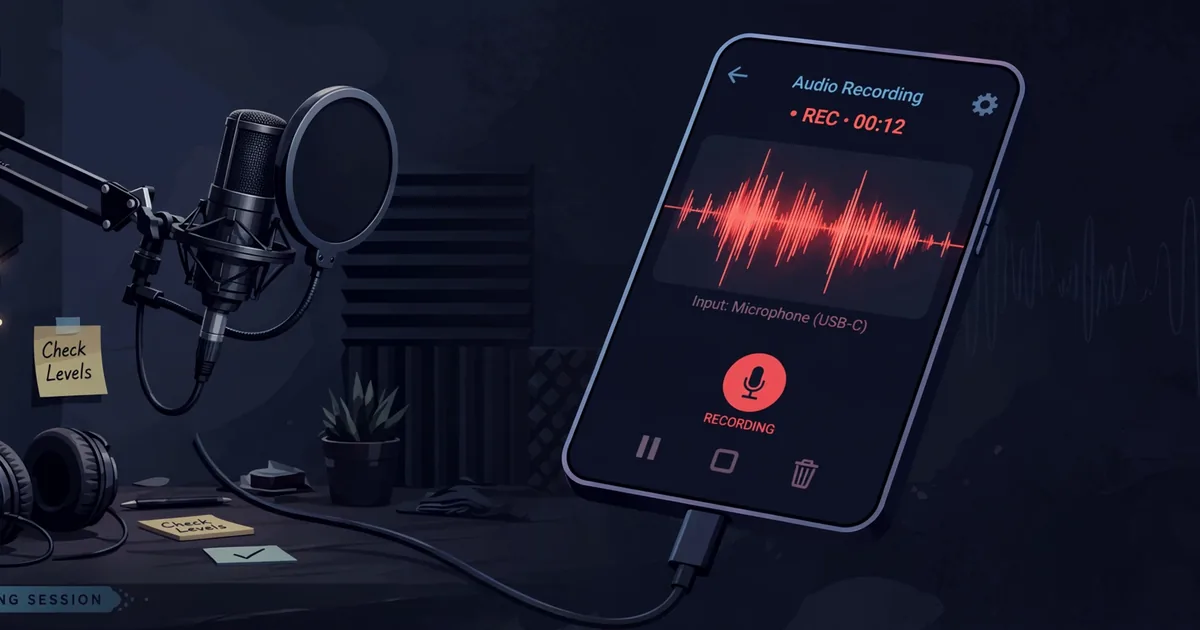
How to Record Your Singing in SongHub: Step-by-Step Guide
Recording yourself is the fastest way to get better at singing. What you hear in your head while performing is not what the room hears, and the recording does not lie: it shows you exactly which lines were on pitch, where your timing slipped, and how your voice actually sounds. SongHub can capture your performances so every session becomes a lesson. Download it from the official SongHub website and follow this setup.
A recording also turns karaoke into something you keep. That duet with your best friend, your kid's first solo, the birthday performance that brought the house down, these are worth saving. With the right setup, your recordings will sound clean enough to share proudly.
What SongHub Captures
When you record, SongHub mixes your live microphone input with the backing track into one performance file. The MIDI instruments render through your SoundFont exactly as you heard them, your voice sits on top at the level you set, and the result is a single audio file you can replay anytime. It is the honest document of the night: the mix you heard is the mix you keep.
Setting Up Your First Recording
- Connect your microphone and confirm it is working with a quick live test, voice clear over the music.
- Open the song you want to perform and set your key and tempo adjustments first. Changes mid-recording are possible but messy.
- Find the record control on the playback screen and arm it before you start singing, not after the intro.
- Sing the song normally. Keep the mic distance steady: drifting closer and farther is the most common reason recordings sound uneven.
- Stop the recording after the final note fades, then play it back immediately while the performance is fresh in your mind.
Getting Clean Audio
Clean recordings start with the mic. A decent wired dynamic mic close to your mouth beats an expensive mic across the room every time. Our microphone guide explains which types suit home recording. Keep the mic a fist from your mouth, slightly off-axis so breath pops do not thump the recording.
Watch your input level. If the loudest chorus distorts, back the gain down; digital clipping cannot be fixed later. And if your voice sounds delayed against the music in the recording, that is latency, not your timing. Our audio latency fix guide shows how to sync your mic with the track.
Listening Back Like a Coach
The first playback is always a shock. That is normal and it is the point. Listen twice: first for enjoyment, then with a critical ear. Mark the exact lines where pitch wavers or timing rushes. Most singers find that eighty percent of their problems live in the same two spots: the first line of the chorus and the bridge.
Use the karaoke scoring readout alongside your ear. The score breaks your accuracy down by section, so instead of "that was rough" you get "the second verse drifted flat", which is something you can actually fix. Re-record the same song a week later and compare: hearing progress is the most motivating thing in singing.
Saving and Sharing Performances
Name your recordings with the song title and date so your best takes are easy to find later. Copy favorites to a computer or cloud folder as backup, phone storage fills up quietly and losing a great take stings. When sharing, a quick trim of dead air at the start makes the recording feel intentional rather than accidental.
One more tip that separates decent recordings from great ones: record in a treated-feeling space. You do not need acoustic panels, a room with soft furnishings, curtains, and a rug absorbs the harsh reflections that make phone recordings sound boxy. A closet full of clothes is the classic free vocal booth. Close the door, kill the fan, and your recordings will gain a clarity that no setting can fake.
Frequently Asked Questions
Does SongHub record my voice or just the music?
It records your voice together with the backing track into a single performance file, so playback sounds like the finished mix you heard while singing.
Why does my recording sound quieter than the live performance?
Recording levels are usually set lower than live monitor levels to leave headroom. If the recording is too quiet, raise the mic input gain slightly and keep the mic close and steady.
Can I record video of my performance too?
SongHub records audio. For video, use your phone camera or a second device pointed at the singer while SongHub handles the audio, then the recording is your clean soundtrack.
Where are my recordings saved?
In the SongHub folder on your device storage, alongside your songs. From there you can play them back, rename them, or copy them to a computer for safekeeping.